09. Launch a Fragment from a Test
L5 P3 A05 Launch A Fragment From A Test Part 2 V2
In this step you'll use FragmentScenario to launch a fragment from a test. You can learn more about this in the documentation.
Step 1: Add Gradle Dependencies
- Add the following gradle dependencies:
app/build.gradle
    // Dependencies for Android instrumented unit tests
    androidTestImplementation "junit:junit:$junitVersion"
    androidTestImplementation "org.jetbrains.kotlinx:kotlinx-coroutines-test:$coroutinesVersion"

    // Testing code should not be included in the main code.
    // Once https://issuetracker.google.com/128612536 is fixed this can be fixed.

    implementation "androidx.fragment:fragment-testing:$fragmentVersion"
    implementation "androidx.test:core:$androidXTestCoreVersion"
Step 2: Make a TaskDetailFragmentTest class
- Open
taskdetail.TaskDetailFragment. - Generate a test for
TaskDetailFragmentas you've done before. Accept the default choices and put it in the androidTest source set, NOT the test source set:

- Add the following annotations to the
TaskDetailFragmentTestclass:
TaskDetailFragmentTest.kt
@MediumTest
@RunWith(AndroidJUnit4::class)
class TaskDetailFragmentTest {

}
Step 3: Launch a fragment from a test
- Copy this test into
TaskDetailFragmentTest:
TaskDetailFragmentTest.kt
    @Test
    fun activeTaskDetails_DisplayedInUi() {
        // GIVEN - Add active (incomplete) task to the DB
        val activeTask = Task("Active Task", "AndroidX Rocks", false)

        // WHEN - Details fragment launched to display task
        val bundle = TaskDetailFragmentArgs(activeTask.id).toBundle()
        launchFragmentInContainer<TaskDetailFragment>(bundle, R.style.AppTheme)
        Thread.sleep(2000)

    }
Here you are:
- Creating a task.
- Creating a Bundle, which represents the fragment arguments for the task that get passed into the fragment).
- The
launchFragmentInContainerfunction creates aFragmentScenario, with this bundle and a theme.
- This is an instrumented test, so make sure the emulator or your device is visible.
- Run the test.
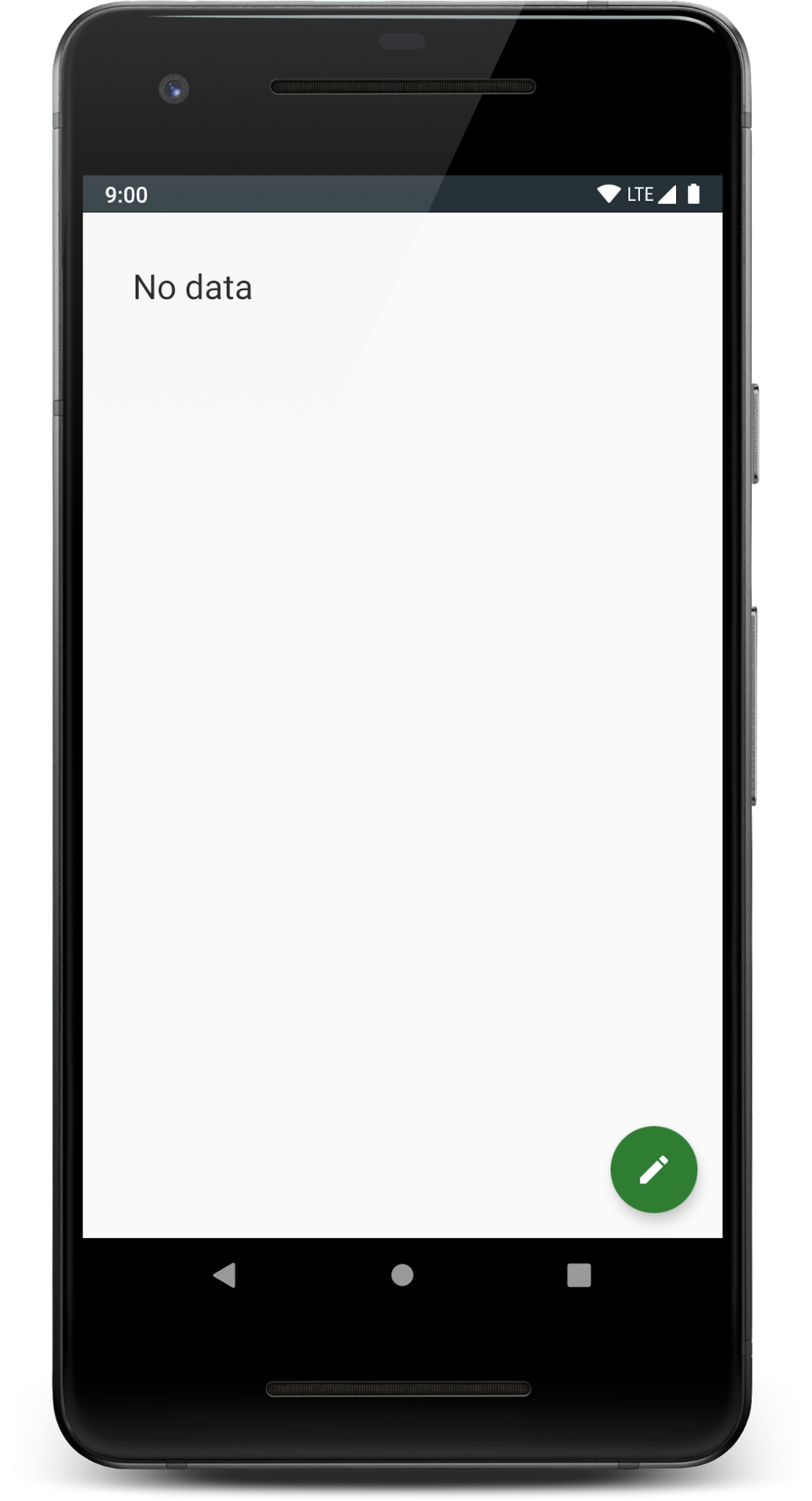
A few things should happen. First, because this is an instrumented test, the test will run on either your physical device (if connected) or an emulator. It should launch the fragment. Notice how it doesn't navigate through any other fragment or have any menus associated with the activity - it is just the fragment.
Finally if you look closely, you'll notice that the fragment says "No data" - it doesn't actually successfully load up the task data.
You have this FakeTestRepository, but you need to replace your real repository with your fake one for your fragment. You'll do this next!